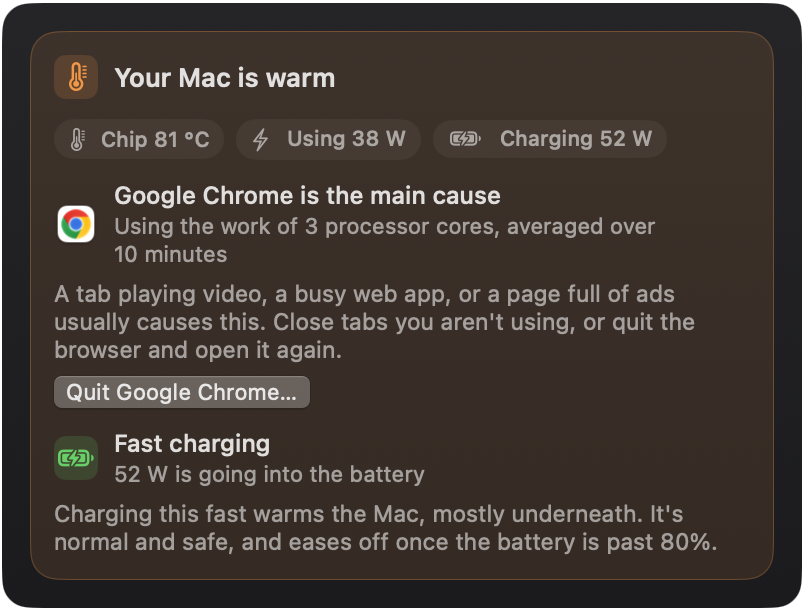
Or just a glance, from the menu bar.
Click the Porrter icon any time for the verdict, your six readings and the busiest apps. It lives up there all day and barely touches your CPU.
It's the real app. Click around

 Porrter
Porrter lives in your menu bar, opens into a full window, and tells you, in plain words, what is heating your Mac, filling its memory or keeping it busy. And what to do about it.
Download for Mac
Click the Porrter icon any time for the verdict, your six readings and the busiest apps. It lives up there all day and barely touches your CPU.
Porrter reads your Mac's temperature and power, names the app or the charger behind the heat, and tells you what to do about it.
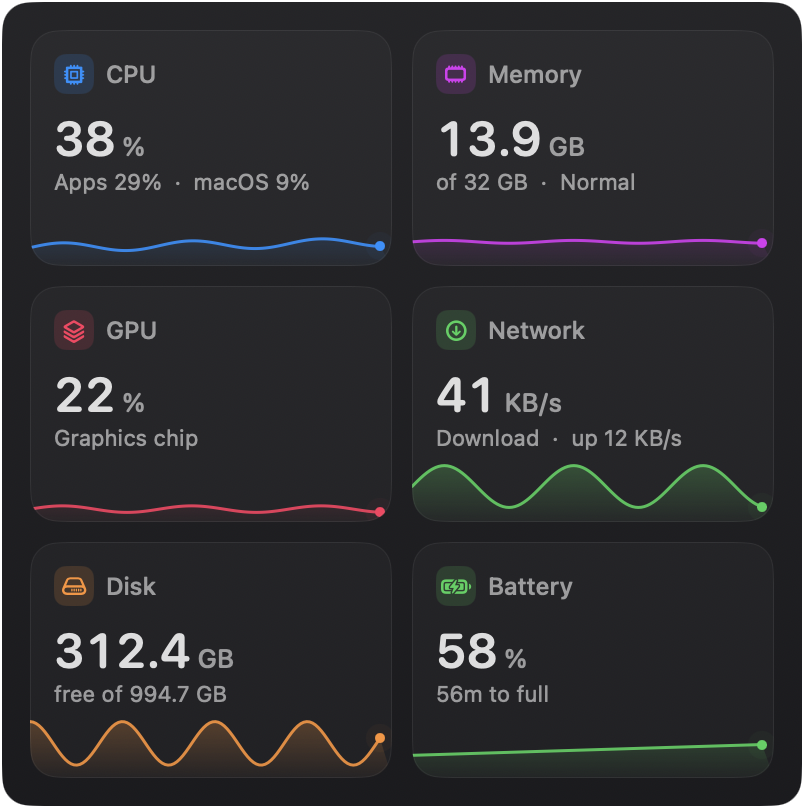
CPU, memory, graphics, network, disk and battery, each with the last hour drawn out. Hover any chart to see a moment. The numbers match Activity Monitor.
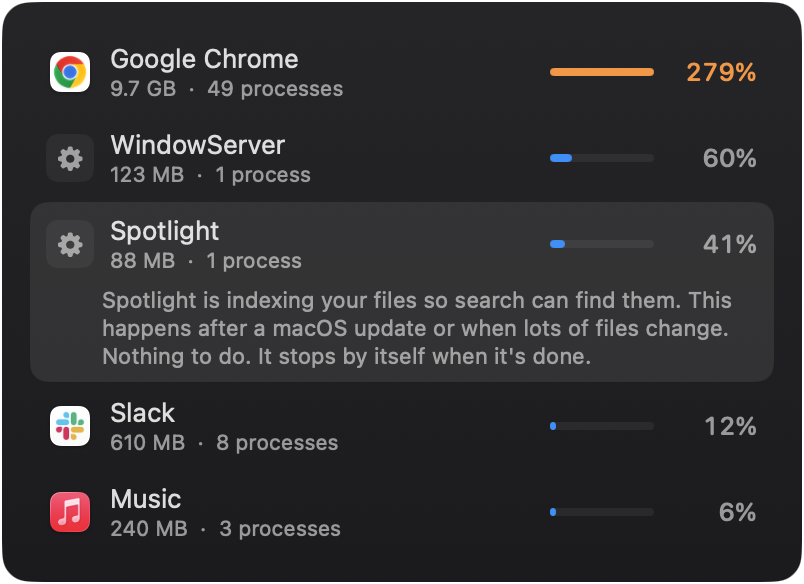
Chrome's 49 helper processes show up as one Google Chrome. "mds_stores" shows up as Spotlight, with a note that it stops by itself. Quit what's safe to quit.
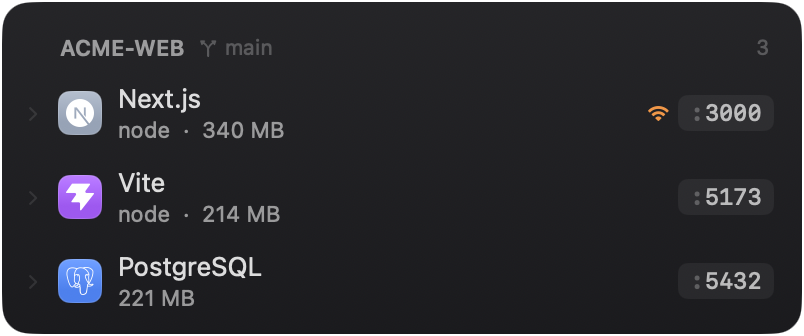
Every local server, grouped by project and branch, with its port and real memory. Docker containers included. Open, stop or restart any of them.